
Customers
The CRM that sits next to the work.
Contacts, accounts, lead quality notes, and follow-up context — in the same workspace as the campaigns, so marketing stays connected to actual buyers instead of a separate tool nobody opens.
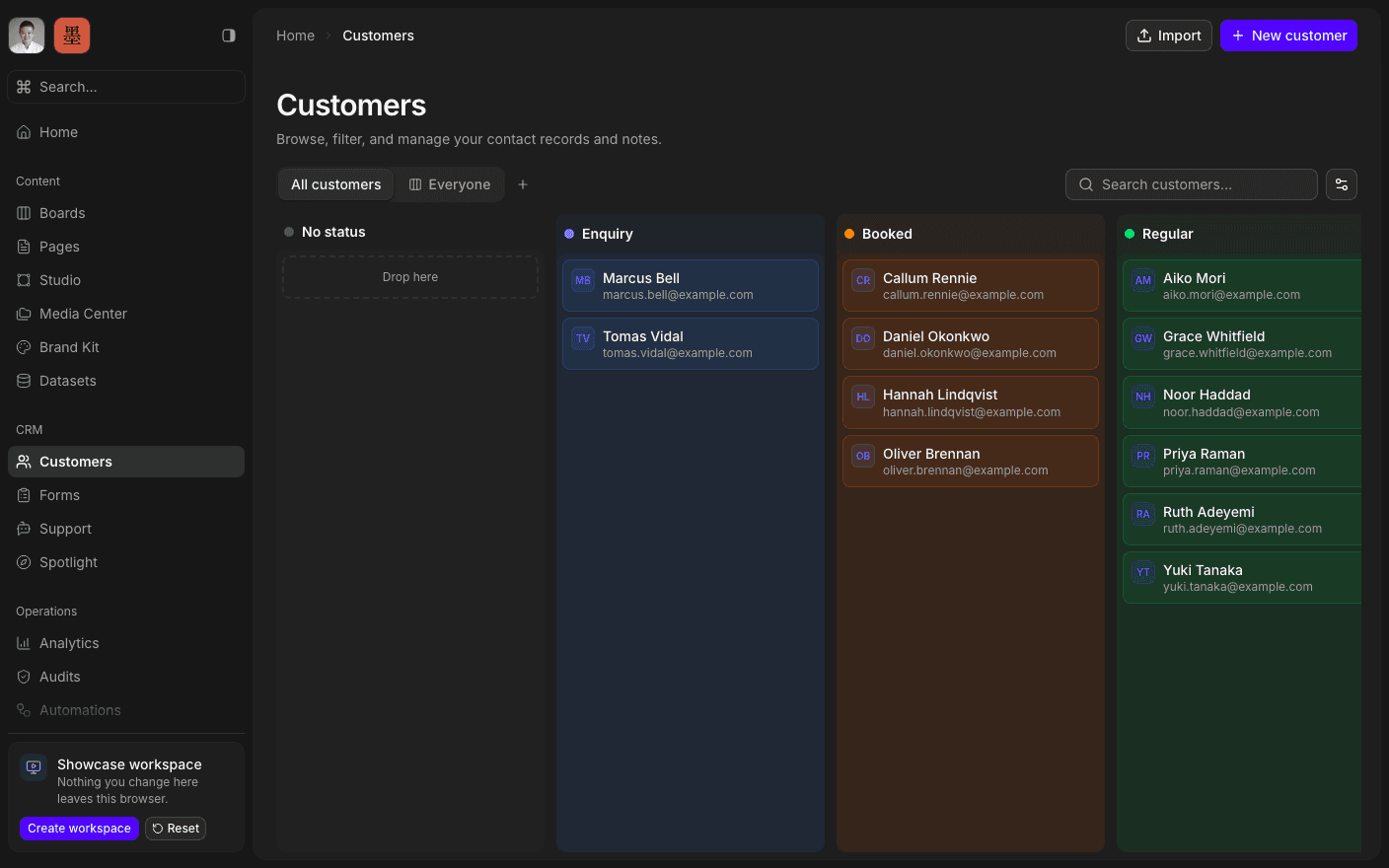
Press play to run the real interface right here — made-up data, in your browser, and nothing you do in it leaves the tab.
Closer to a database than a contacts list.
Every customer carries the standard fields plus any custom ones your organisation defines — typed, filterable, and shared across every record. The index is a real table: search by name or email, filter by field or by archive state, sort any column, choose which columns you see, and page through as many records as you have.
Each record opens into its own workspace. Fields on one side, and a full rich-text description on the other for notes, briefs, call summaries, and anything else that would otherwise live in someone's inbox.
Records come in the way you already have them. Import a CSV, or let a form create them: a lead who fills in a published form can land as a customer without anyone retyping anything.
Inside Customers
Filter and sort
Search, filter by any field, and choose your columns.
Define your own fields
Typed custom properties, shared across every record.
Keep notes on the record
Full rich text on every customer, not a cramped box.
Import a CSV
Bring the list you already have, in one pass.
Archive without deleting
Keep the history, take it out of the way.
Find from anywhere
Customers show up in Cmd-K across the whole hub.
Open the list.
Book a 30-minute call. We'll go through what's working, what isn't, and what the first move should be. If we're not the right fit, we'll say so on the call.