
Forms
Forms that already look like your brand.
Build the form, publish it as a page, embed it on your own site, or post to it over the API. It picks up your Brand Kit by default, so there is nothing to style.
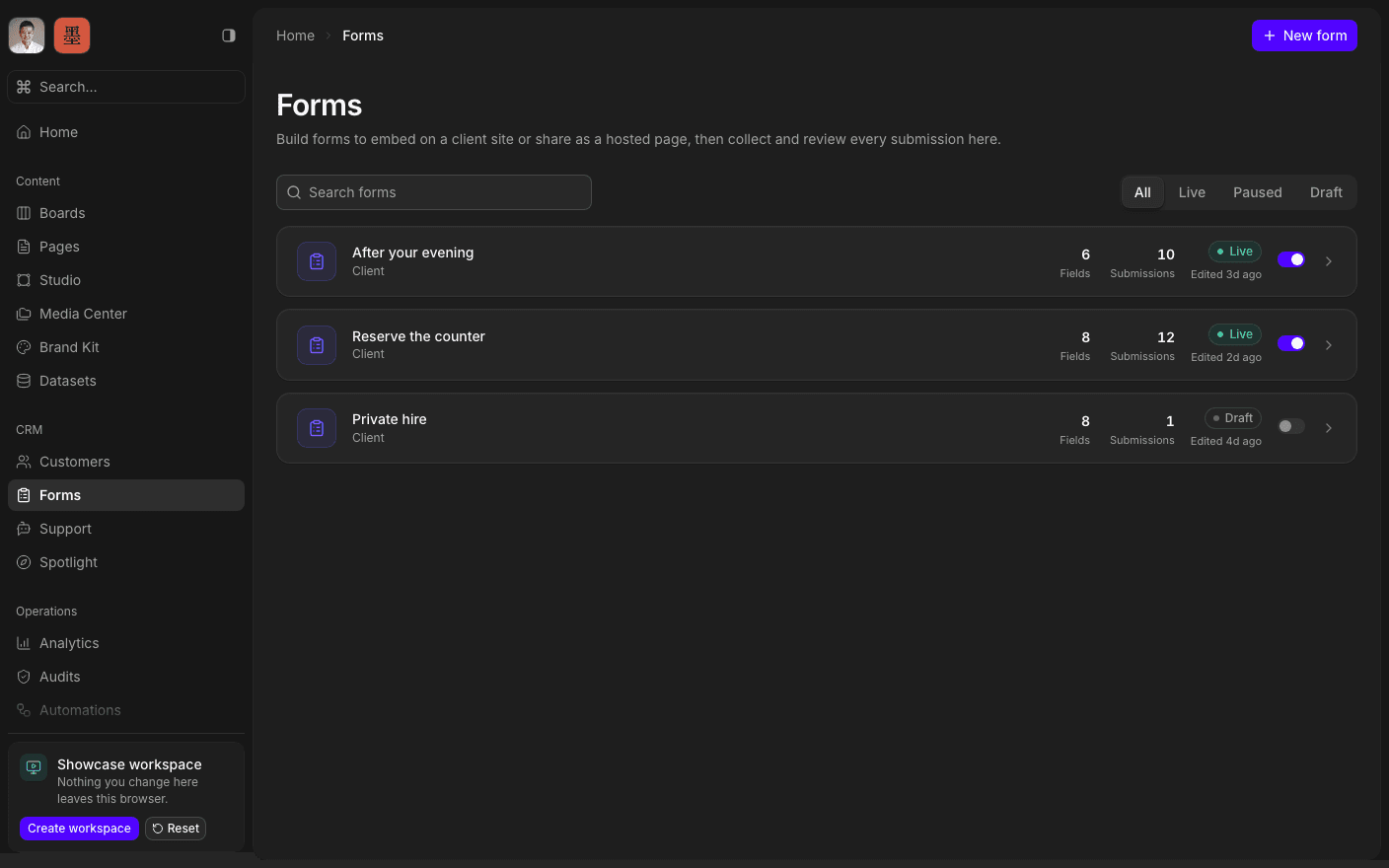
Press play to run the real interface right here — made-up data, in your browser, and nothing you do in it leaves the tab.
Build it once, publish it three ways.
The builder is a document, not a settings screen. Type the title, add fields inline, group them into sections, and switch the whole thing between one scrolling page and a multi-step flow with a toggle. Eleven field types, each with its own settings.
Design is the part that usually costs a week. Here it does not: a new form inherits your organisation's Brand Kit — colours, fonts, corner radius, light or dark — with no configuration at all. The Design tab can override any of it per form when a campaign needs something different, including its own header logo and a cover image for link previews.
Answers land in a Submissions table you can sort and filter, and a submission can start an automation the moment it arrives. Point it at a customer record, a board card, an email, or all three.
Inside Forms
Build it like a document
Inline fields, sections, and a settings popover per field.
Inherit the Brand Kit
Colours, fonts, and radius applied with no configuration.
Publish, embed, or POST
A hosted page, an embed snippet, or an API endpoint.
Read the submissions
A sortable, filterable table of every response.
Trigger an automation
A submission can start a workflow the moment it lands.
Limit to one per email
Reject a repeat submission from an address already on record.
Ship a form.
Book a 30-minute call. We'll go through what's working, what isn't, and what the first move should be. If we're not the right fit, we'll say so on the call.