
Media Center
Every file, in one library.
Source files, thumbnails, campaign assets, approvals, and exported work — uploaded once, then used everywhere else in the workspace without being re-uploaded.
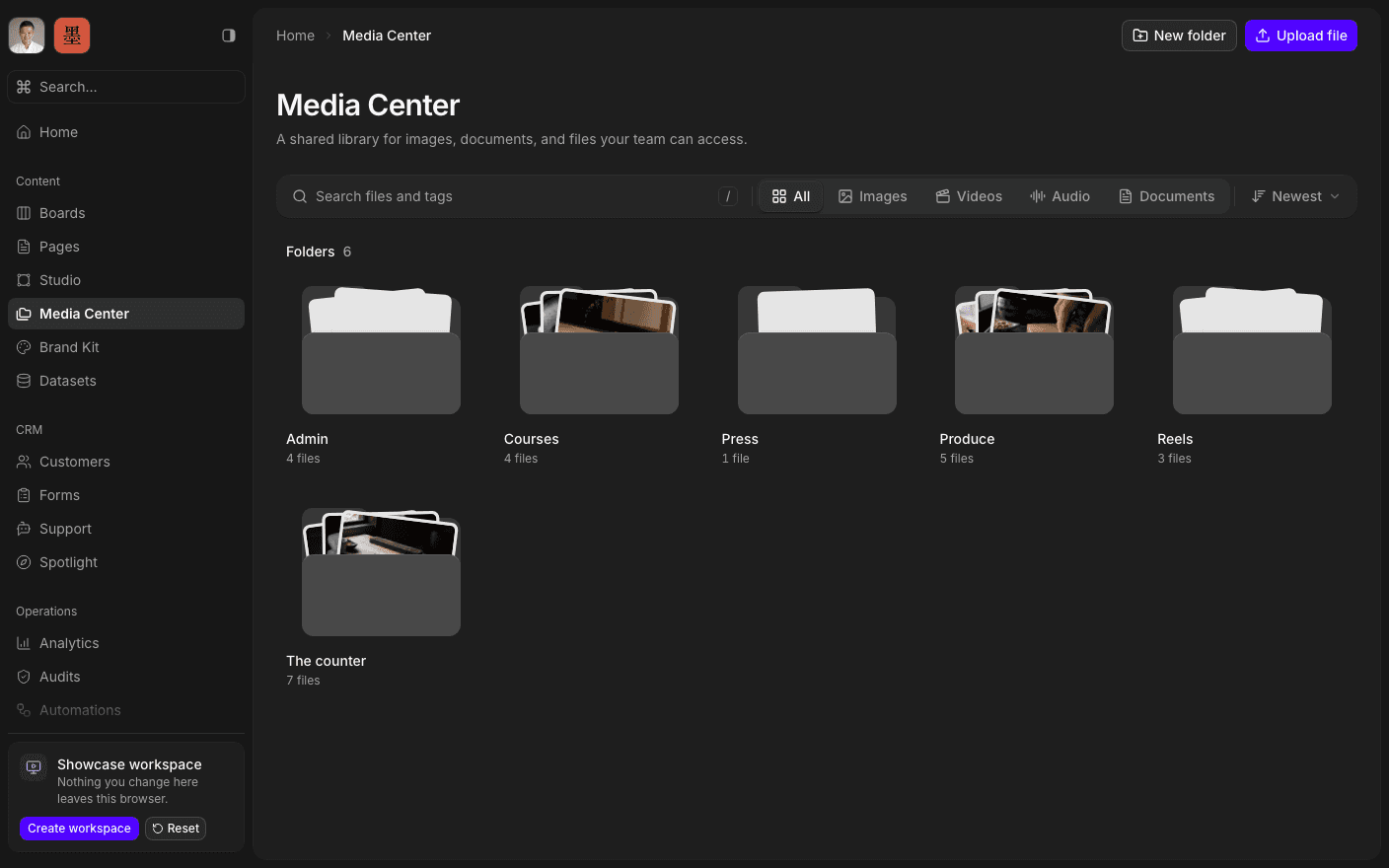
Press play to run the real interface right here — made-up data, in your browser, and nothing you do in it leaves the tab.
Not a folder of attachments.
Most tools scatter uploads: an image on a card, another on a page, a third in somebody's message thread, all of them different copies of the same file. Media Center is the shared pool the rest of the product references instead — upload once, and every surface that needs it points at the same asset.
It works as a library, not a file picker. Folders, search, previews, rename, move, and delete, with a detail view on every asset. Anyone who can read the workspace can browse it; changing it needs edit rights.
Everything else draws on it. A page cover, a form's header logo, a Studio image, a Brand Kit slot — all of them pick from here, so replacing an asset in one place does not leave five stale copies behind.
Inside Media Center
Upload anything
Images, documents, presentations, and the rest.
Organise into folders
Structure the library the way the work is structured.
Find a file fast
Search the library, or reach it from Cmd-K.
Preview before using
Inspect an asset without downloading it first.
Rename and move
Keep the library tidy as the engagement grows.
Reuse everywhere
Pages, forms, Studio, and Brand Kit point at the same file.
Open the library.
Book a 30-minute call. We'll go through what's working, what isn't, and what the first move should be. If we're not the right fit, we'll say so on the call.