
Studio
Social content, designed here.
Reusable templates sized for Instagram, X, LinkedIn, Facebook and more, and campaigns built as multi-frame projects on top of them. A layers panel, a canvas, a properties panel — and no round trip through another tool.
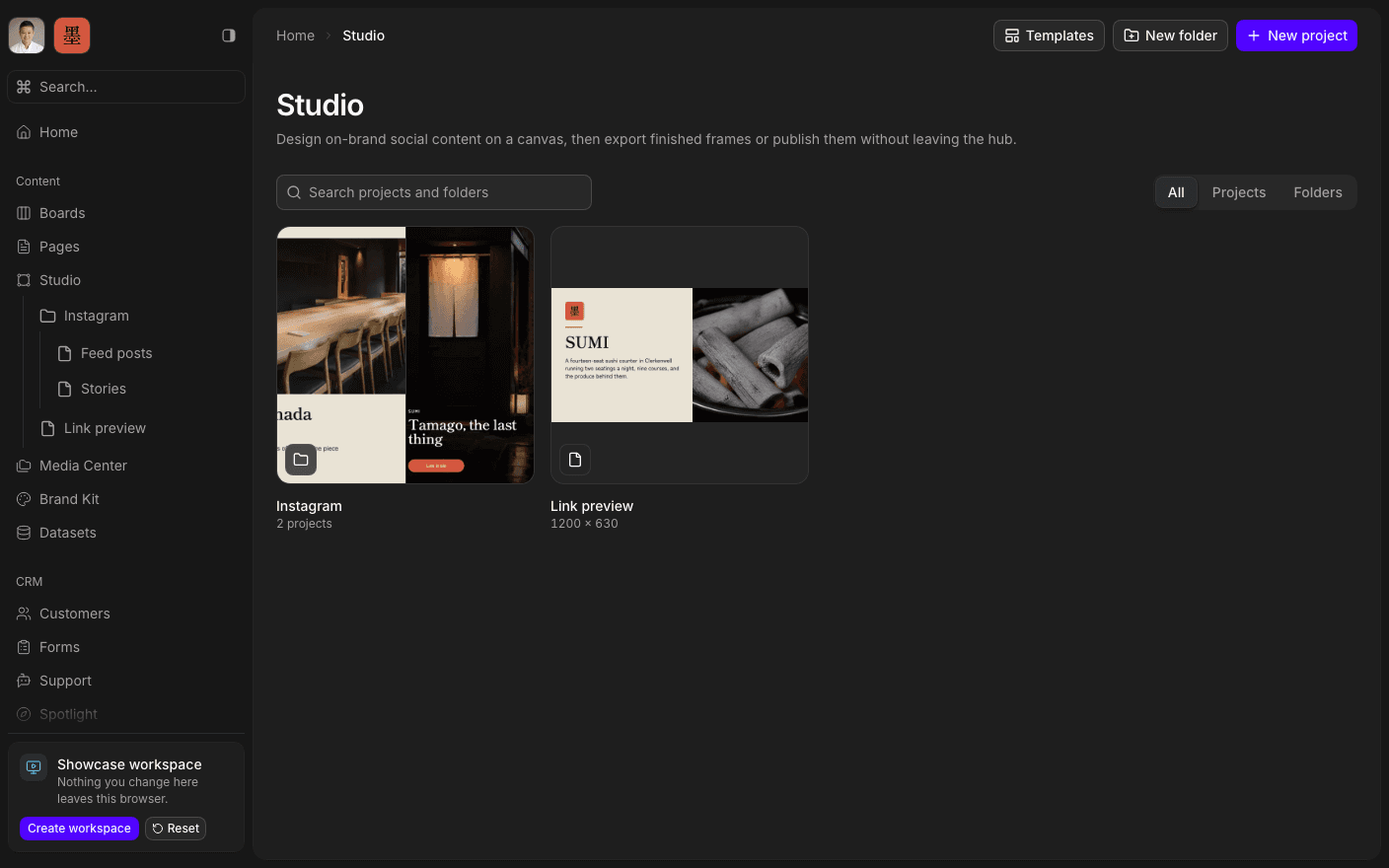
Press play to run the real interface right here — made-up data, in your browser, and nothing you do in it leaves the tab.
A simplified Figma that knows your brand.
The editor works the way a designer expects: layers on the left, an interactive canvas in the middle, properties on the right. What it adds is context — the colours, the type, and the assets are the ones already defined in your Brand Kit and Media Center, so a new frame starts on brand instead of starting empty.
Templates are the unit that makes it repeatable. Design a post format once at the right size for its platform, then build a campaign as a multi-frame project from it. A carousel is frames in one project, not eight files with slightly different margins.
Work auto-saves as you go. Export a single frame as PNG or JPG, or a whole multi-frame project as a ZIP — and the review happens in the workspace, where the person approving it already is.
Inside Studio
Work in layers
A layers panel, a canvas, and a properties panel.
Build reusable templates
Design a format once, at the right size for its platform.
Make multi-frame projects
A carousel or a campaign as frames in one project.
Start on brand
Colours, type, and assets come from the Brand Kit.
Auto-save as you work
No save button, and no lost frame.
Export PNG, JPG, or ZIP
One frame, or the whole project bundled.
Open the canvas.
Book a 30-minute call. We'll go through what's working, what isn't, and what the first move should be. If we're not the right fit, we'll say so on the call.