
Audits
The audit that doesn't disappear.
Site, SEO, content, and conversion findings stay open in the workspace, scored and tracked over time — instead of arriving as a PDF you read once and never find again.
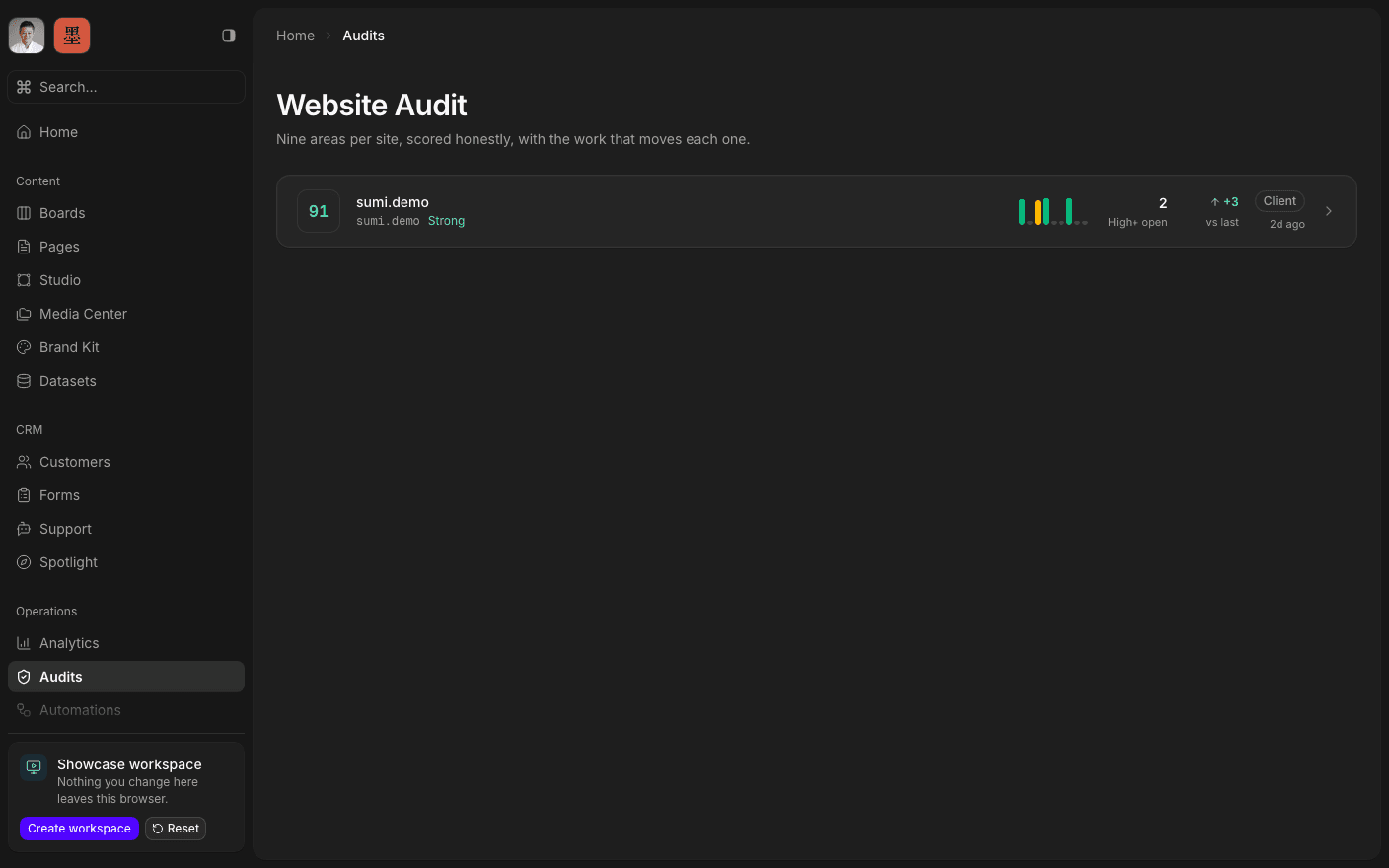
Press play to run the real interface right here — made-up data, in your browser, and nothing you do in it leaves the tab.
A record, not a deliverable.
An audit target is a site that belongs to you. Each run against it captures the crawl, the findings, the page evidence, and the scoring, and the workspace holds the latest one open: overall score, findings by category, critical and high counts, and how many pages were crawled.
The history is the point. Earlier runs are kept as score and finding-count history, so the question stops being what was wrong in March and becomes whether it is getting better. A single audit tells you where you stand once; a series tells you whether the work is landing.
Each run also carries a short written read — a verdict, the top issues, the strengths, and the next step, at both the run level and per page. Short and structured on purpose, so it is scannable rather than a wall of prose nobody finishes.
Inside Audits
See the score
Overall and per category, with critical and high counts.
Work the findings
Every issue listed, grouped, and inspectable per page.
Track it over time
Score and finding-count history across every run.
Inspect a page
Evidence and screenshots for the pages that were crawled.
Read the verdict
A short structured read: top issues, strengths, next step.
Share the report
A public report link for the run, when one is published.
Read the latest run.
Book a 30-minute call. We'll go through what's working, what isn't, and what the first move should be. If we're not the right fit, we'll say so on the call.