
Automations
Wire it up once.
Drag a trigger onto a canvas, connect the actions that should follow, and let it run. Every run is recorded, so when something does not fire you can see exactly where it stopped.
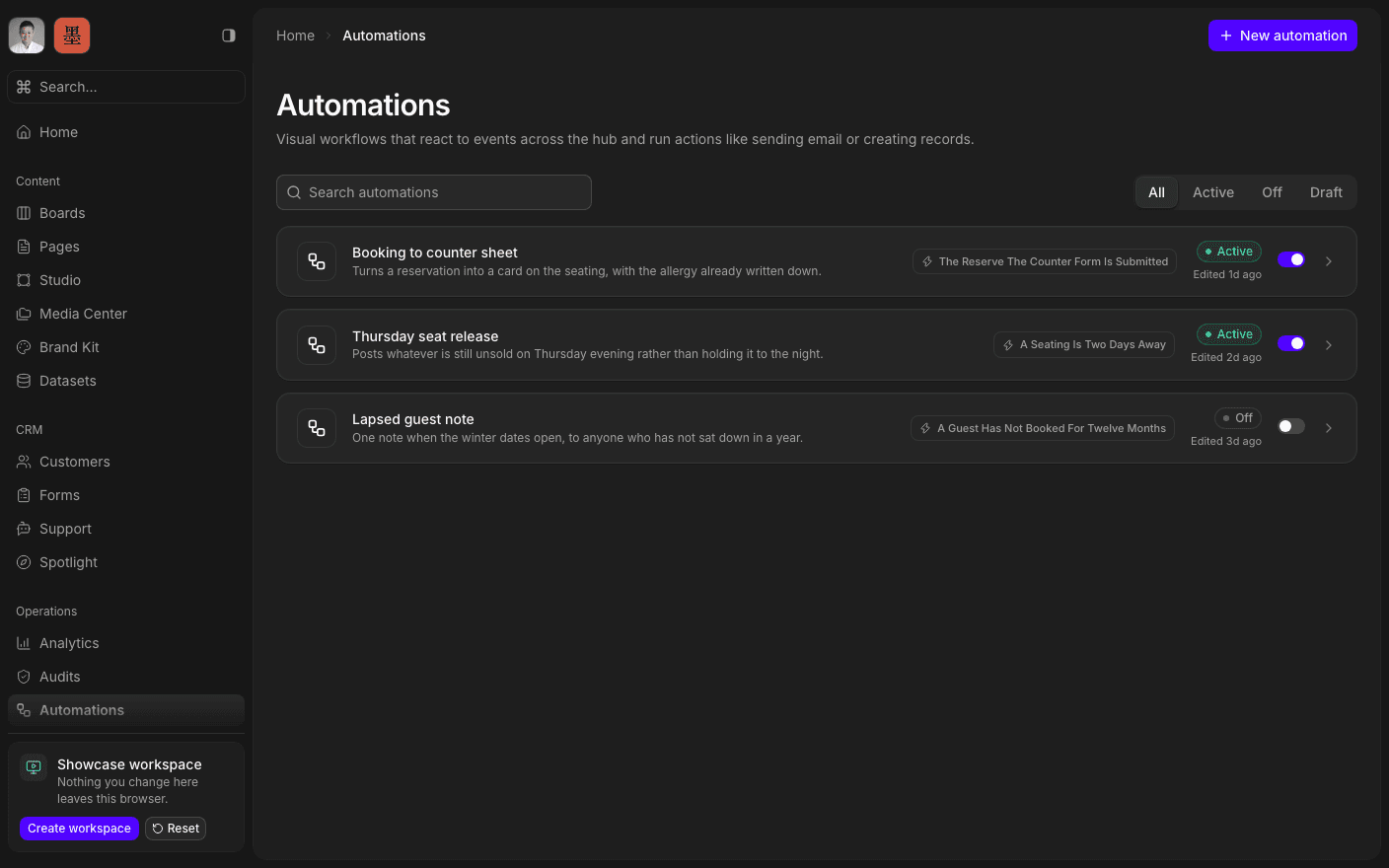
Press play to run the real interface right here — made-up data, in your browser, and nothing you do in it leaves the tab.
No code, and no black box.
A workflow is a canvas. Triggers start it — a card being created, a form being submitted, a schedule, or an inbound webhook from something outside SharpOS. Actions carry it on: create or update a card, move it, update a customer, write to a page, send an email, send a notification. You connect the nodes and the workflow runs itself.
The run history is the part most tools skip. Every execution is stored with its timeline, so a workflow that failed at three in the morning is something you can open and read rather than guess at — and replay once it is fixed.
Because the actions are the same operations the interface uses, an automation can do anything you could do by hand. That is the point of the whole workspace being machine-operable rather than a set of screens.
Inside Automations
Build on a canvas
Connect trigger nodes to action nodes, visually.
Trigger on events
A card created, a form submitted, or an inbound webhook.
Trigger on a schedule
Cron, for the things that happen every week anyway.
Read every run
A stored timeline per execution, success or failure.
Replay a failed run
Fix the cause, then run the same payload again.
Reach connected accounts
Actions can use the providers in Integrations.
Open the canvas.
Book a 30-minute call. We'll go through what's working, what isn't, and what the first move should be. If we're not the right fit, we'll say so on the call.